
Where to Find Your UCI Number on a PR Card (and Other Documents)
Your UCI is on the front of the PR card, under "ID No". Format, how it differs from the document and application numbers, and where to find it without the card.
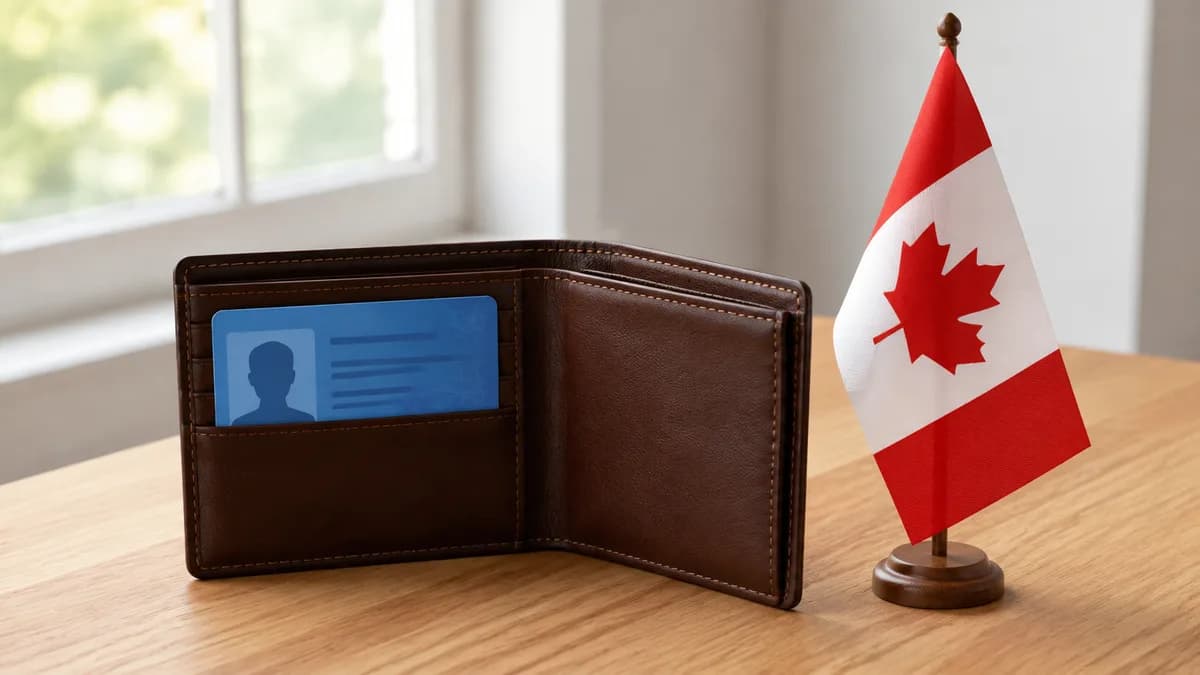
Your UCI number is on the front of your permanent resident card, under the label "ID No / No ID": eight digits separated by a hyphen (0000-0000), or ten digits for more recent files (00-0000-0000). The number printed on the back of the card, top right, is the document number of the card itself, and it changes with every renewal. The UCI follows you for life. Here is how to recognize it, where to find it on your other documents, and what to do if you do not have it at hand when filling out your citizenship application.
What is the UCI?
UCI stands for Unique Client Identifier. IRCC also calls it the client identification number or client ID. It is the number the department assigns to you with your very first application, whatever it is: visitor visa, study permit, work permit, permanent residence. It never changes afterwards. You may have had three permits, two PR cards and a citizenship application: all of those files carry the same UCI, which is precisely what lets IRCC link your history into a single client record.
Two formats exist. UCIs assigned several years ago have eight digits, with a hyphen in the middle: 0000-0000. More recent UCIs have ten, with two hyphens: 00-0000-0000. Both are valid and you do not need to convert one into the other. If an online form rejects hyphens, type the digits in a row.
Where it is on the permanent resident card
Look at the front of the card, the side with the photo. Among the printed fields you will find "ID No" or "No ID", followed by your UCI. It is the only number on the front in the 0000-0000 or 00-0000-0000 format. On the back, top right, is another number: the card's document number. That is the one forms ask for when they refer to the "permanent resident card number", for instance for a renewal or to report a lost card. Do not mix them up: the document number belongs to each physical card, while the UCI belongs to you.
- UCI (front, "ID No"): your permanent identifier with IRCC, 8 or 10 digits with hyphens.
- Document number (back, top right): the number of this specific card, different with every renewal.
- Expiry date (front): the card's validity, which has nothing to do with the validity of your permanent resident status.
Where to find it on your other documents
If your PR card is not at hand, or has expired, the UCI appears on practically everything IRCC has ever sent you. On the Confirmation of Permanent Residence (form IMM 5292 or IMM 5509), it sits in the upper section next to your identity details; the number in the top right corner of that document, however, is the confirmation number, not to be confused. On a study or work permit, the UCI is usually in the right-hand column, below the application number. On a visa counterfoil in a passport, it appears among the printed fields of the sticker. And on every IRCC letter and email, it is repeated in the header along with the application number.
If you have already applied online, your IRCC account also shows your UCI in the details of each application. Finally, the acknowledgement of receipt for your citizenship application mentions it: that is why our guide on checking your citizenship application status recommends keeping that email safe. To keep track, our application tracker lets you check off each step and follows the time elapsed since the acknowledgement of receipt.
UCI, application number, file number: three different numbers
Applicants often mix up three numbers, and IRCC forms do not ask for them in the same place. The UCI identifies you, permanently. The application number (or file number) identifies one specific application: your citizenship application has one, your last PR card renewal had another. It often starts with a letter, for example C for citizenship. Finally, the receipt number proves payment of the fees for a given application. To link your citizenship file to the online tracker, you need both the UCI and the application number, along with a few personal details.
Where the UCI is requested in a citizenship application
Form CIT 0002 asks for your UCI among the very first questions, alongside your name, date of birth and status. IRCC uses it to retrieve your permanent residence file, check your landing date and the history of your permits, which then feeds the physical presence calculation. Our document checklist for the application reminds you to keep the PR card, the Confirmation of Permanent Residence and, if you still have them, your old permits within reach, precisely because they all carry this number.
One tip that avoids a returned application: copy the UCI from an official document, never from memory, and check that it is identical on every page where it appears. A one-digit error does not always block the application, but it can delay the link with your existing file, hence the acknowledgement of receipt and everything that follows. Our article on common citizenship application mistakes lists several of the same kind.
You never had a UCI, or you cannot find it
Anyone who has obtained permanent residence has a UCI, so there is no such thing as a permanent resident without one. IRCC forms, however, are also used for first-time applications, hence the field "if you have one". In that case, write "N/A" on paper, and leave the field blank online when the form allows it. If you are a permanent resident and cannot find any document, you have three options: the electronic version of your Confirmation of Permanent Residence in your account, an access to information request (ATIP) that will return your notes with the UCI, or a call to the Client Support Centre, which can retrieve it after verifying your identity.
After citizenship, the UCI does not disappear
Becoming a citizen does not delete your client record. Your UCI stays attached to your name and you will still need it: to apply for a replacement citizenship certificate, to sponsor a family member, or for any correspondence with IRCC. Your PR card, on the other hand, is worthless after the oath and is collected at the ceremony, so note the UCI before handing it in. The citizenship certificate carries its own certificate number, which is different from the UCI.
Key takeaways
- The UCI is on the front of the PR card, under "ID No": 0000-0000 or 00-0000-0000.
- The number on the back, top right, is the card's document number, not the UCI.
- The UCI never changes; the application number changes with every file.
- No document at hand: Confirmation of Permanent Residence, permits, IRCC letters or your online account.
Once you have written down your number, the rest of the application is described step by step in our guide on how to become a Canadian citizen. And if you are already preparing for the test, our practice exams are waiting for you.